
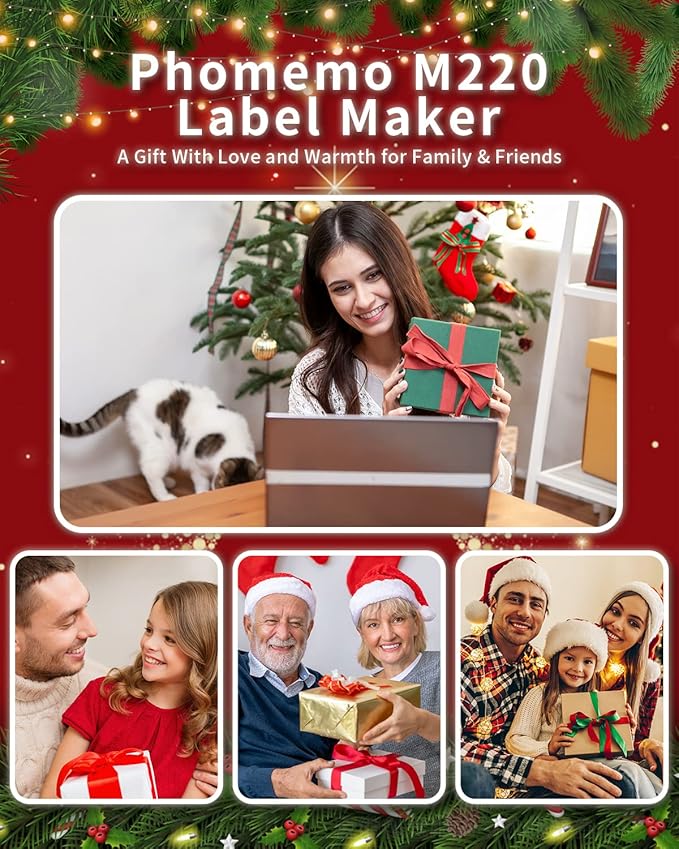
Shipping takes place within 3-5 business days. If there is a problem with the shipment of the product, we will notify you via the email address you entered when ordering.
Phomemo
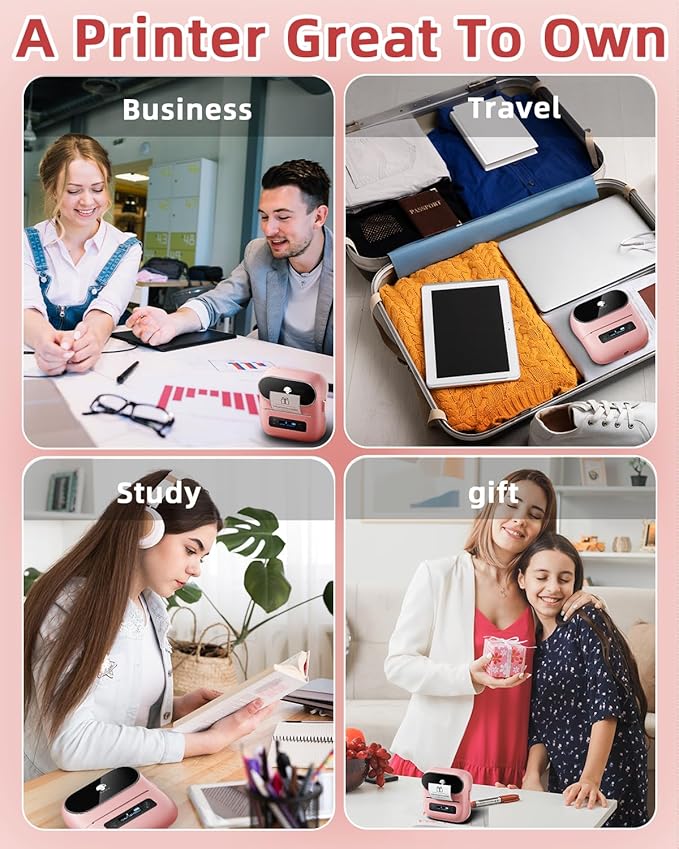
Phomemo M220 Bluetooth Label Maker Machine,Label Printer for Small Business, Office, Home & School, Portable Label Maker with 200+ Templates,100+ Fonts,1000+ Icons, Compatible with Phone, PC
Couldn't load pickup availability
About This
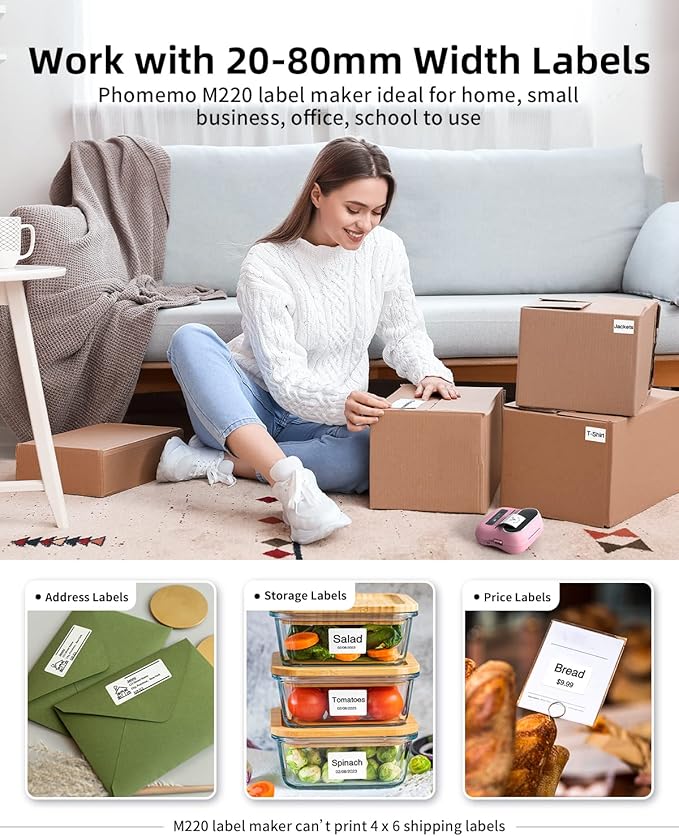
- Cost-Effective Thermal Printing - Professional Bluetooth label maker with advanced thermal technology – No ink, toner, or ribbons required! Print 0.78"-3.14" wide labels (rolls only) at 50% lower cost vs. inkjet printers. Choose from transparent and black/white thermal labels for home, office, or small business needs
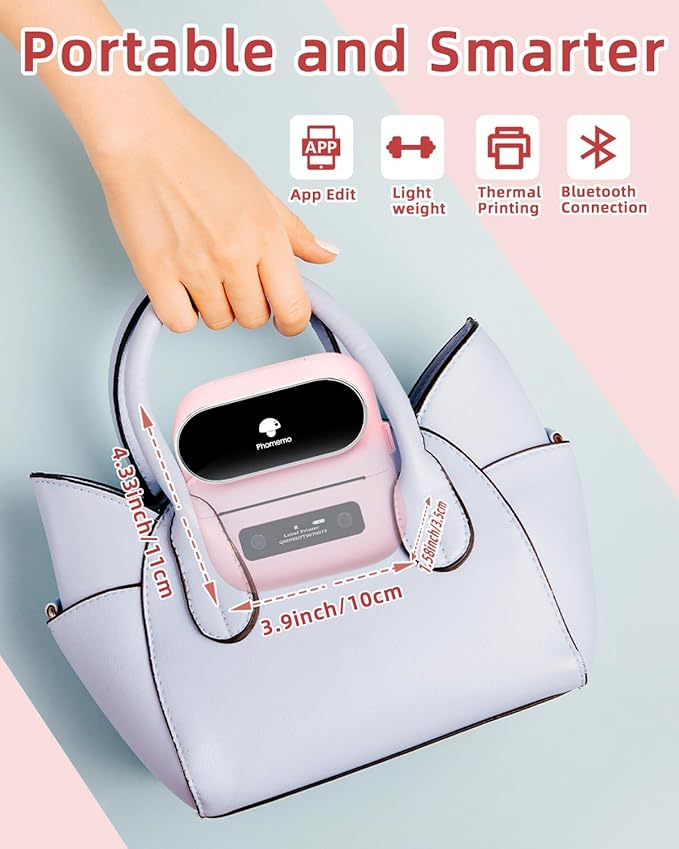
- Smart Multi-Device Compatibility - Wireless & Wired Flexibility: Seamlessly connect via Bluetooth (iOS/Android) or USB (Compatible with Windows 10/Mac ). Use as a portable mobile label printer or desktop label maker. Supports phone/tablet (Free "Print Master" App) and PC/laptop ("Labelife" Software)
- Free Pro-Level Design Tools - Phomemo's Exclusive "Print Master" App – No fees, no ads! Create labels with 100+ fonts, 200+ templates,1000+ icons, 50 + frames, QR/barcodes, OCR, voice input, and image uploads. Preview & save designs. High-resolution output for branding logos, address labels, QR codes, and more.
- Ultimate Versatility & Durability - 2200mAh Rechargeable Battery – Print 36+ rolls per charge with 2-week standby. Compatible with square/round/cable/file labels (0.78"-3.14"). Waterproof & smudge-proof for jars, inventory tags, outdoor equipment. Perfect for retail, warehouses, home organization.
- Plug-and-Play Efficiency - 3-Step Wireless Printing: ① Download App → ② Bluetooth Pairing → ③ Print! PC/laptop users install drivers once for lifetime use. No technical skills needed – ideal for beginners, small businesses, schools.
- [ Phone and Tablet Start Printing ] - Step 1: Download the App 'Print Master'. Step 2: Turn on the M220 label maker and your phone's or tablet's Bluetooth. Step 3: Click the 'Printer' icon in the App to search for the M220 portable label printer, connect it via Bluetooth in the App, select the label size, and edit the content to start printing
- [ Laptop/PC Starts Printing ] - Step 1: Please check your laptop/PC's operating system (OS) and download and install the correct M220 driver and the 'Labelife' app from the Phomemo website. Step 2: Use the USB data cable to connect the M220 label maker to your computer. Step 3: Select the label size, edit the content, and choose M220 from the printer list
Overview
- Brand : Phomemo
- Connectivity Technology : Bluetooth, USB-Type-C
- Printing Technology : Thermal
- Special Feature : Bluetooth Connection, Compatible with IOS, Android, iPad, Mac, Windows10, Portable
- Color : Pink
- Model Name : Phomemo M220 label maker
- Printer Output : Monochrome
- Max Printspeed Monochrome : 70 ppm
- Item Weight : 400 Grams
- Product Dimensions : 4.61"D x 4.72"W x 2.36"H
Share

Collections
-
Back to School & Study Essentials
Equip students and lifelong learners with stationery, planners, notebooks, and study accessories...
-
Cable Management & Tech Setup
Tame the cables — clips, sleeves, boxes, and organizers that keep cords...
-
Creative & Relax Zone
Balance work with creativity and calm — art supplies, DIY kits, puzzles,...
DeskDen Supplies – Your Everyday Office Essential
Whether you’re working from home, managing a busy office, or studying for success, DeskDen products deliver quality you can rely on.
-
Desk Essentials
Equip your desk with everyday tools — pens, notebooks, planners, folders, and...
-
Digital Accessories
Power your digital setup with keyboards, mice, cables, and chargers designed to...
-
Eco-Friendly Office
Work smarter and greener with recycled stationery, sustainable materials, and eco-conscious office...
-
Home Office Essentials
Create a comfortable, efficient home office with ergonomic accessories, organization tools, and...
Affordable essentials for work, school, or home office
From sturdy notebooks and smooth-glide pens to file organizers and desk accessories, every item is crafted to keep your desk neat and your workflow seamless.
Blog posts
View all-
Top Office Setup Tips: Ergonomics, Tools, and D...
Practical office setup tips focused on ergonomics, tool selection, tech optimization, organization, and daily routines to support comfort and productivity.
Top Office Setup Tips: Ergonomics, Tools, and D...
Practical office setup tips focused on ergonomics, tool selection, tech optimization, organization, and daily routines to support comfort and productivity.
-
How to Build an Efficient and Organized Workspa...
Learn how to create an efficient and organized workspace that enhances productivity through thoughtful selection of essentials, tech setup, organization, decor, and comfort tools.
How to Build an Efficient and Organized Workspa...
Learn how to create an efficient and organized workspace that enhances productivity through thoughtful selection of essentials, tech setup, organization, decor, and comfort tools.
-
Desk Organization Tips for a Clutter-Free Works...
Practical desk organization tips to help you maintain a clutter-free workspace, improving focus and workflow through intentional storage, layout planning, and smart tools.
Desk Organization Tips for a Clutter-Free Works...
Practical desk organization tips to help you maintain a clutter-free workspace, improving focus and workflow through intentional storage, layout planning, and smart tools.