

Shipping takes place within 3-5 business days. If there is a problem with the shipment of the product, we will notify you via the email address you entered when ordering.
SEUNKWANG
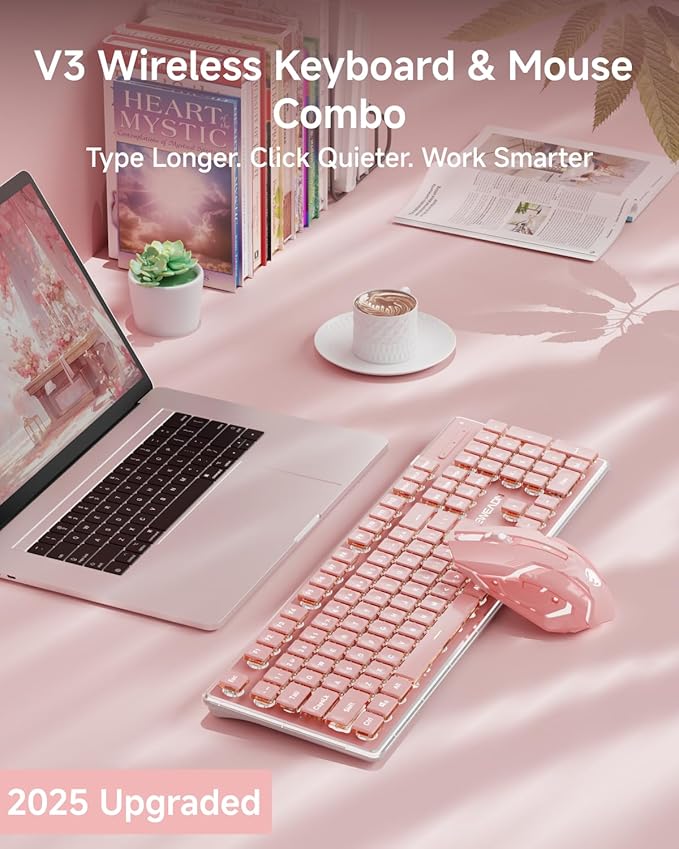
V3 Wireless Keyboard and Mouse with Single Backlit, Metal Panel, Bluetooth/2.4G Rechargeable Computer Keyboard and Mouse Combo Silent Lighted Full Size Cute Keyboards-Pink
Couldn't load pickup availability
About This
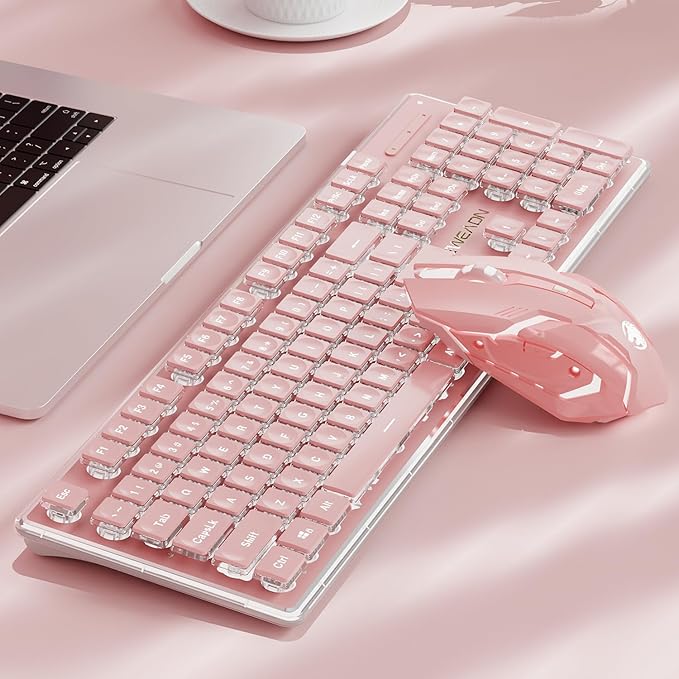
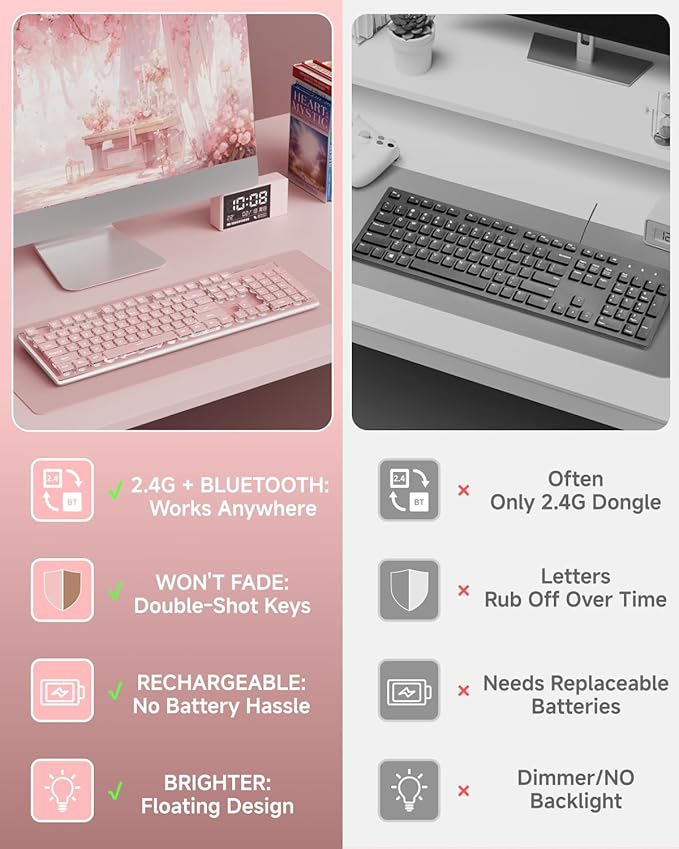
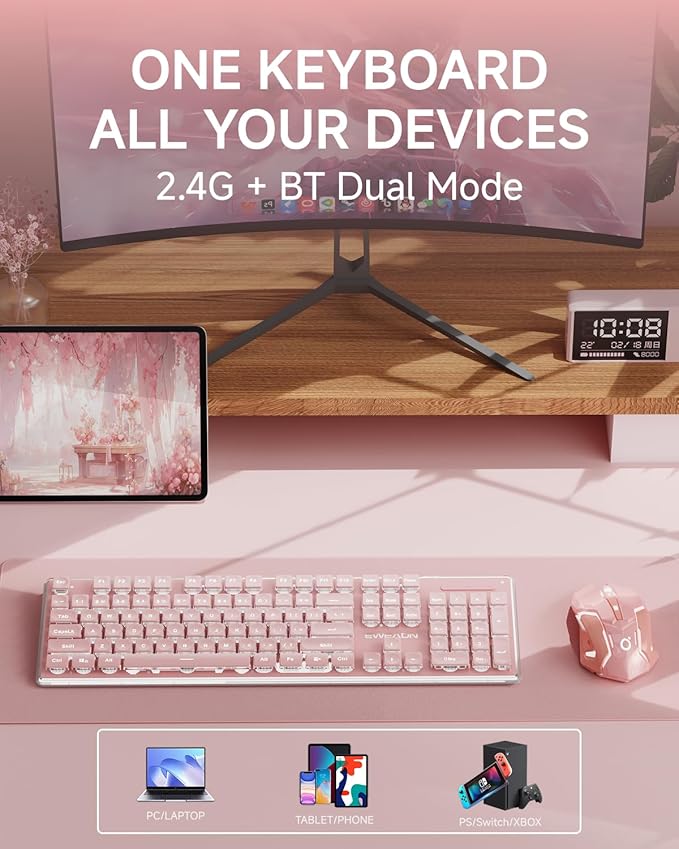
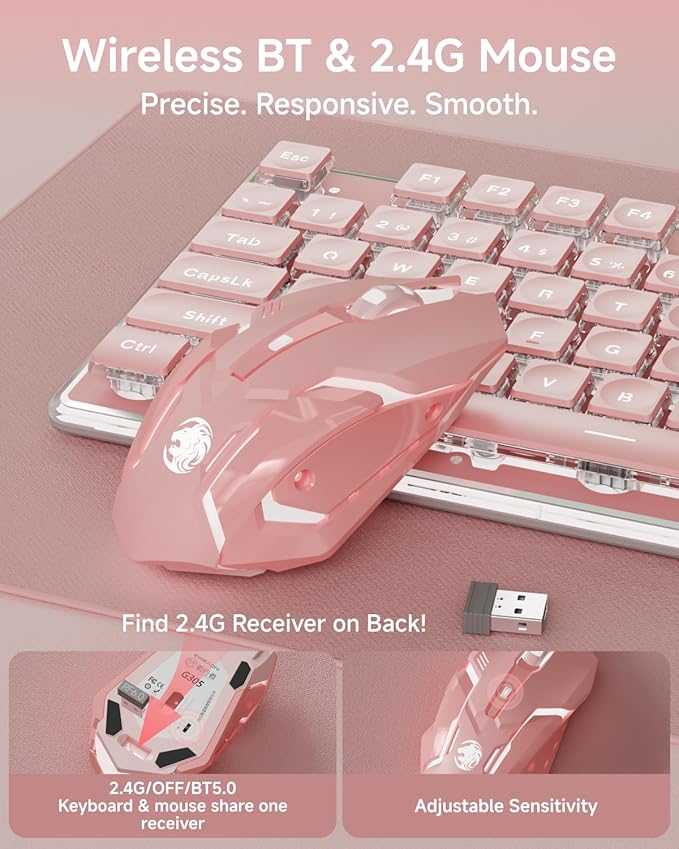
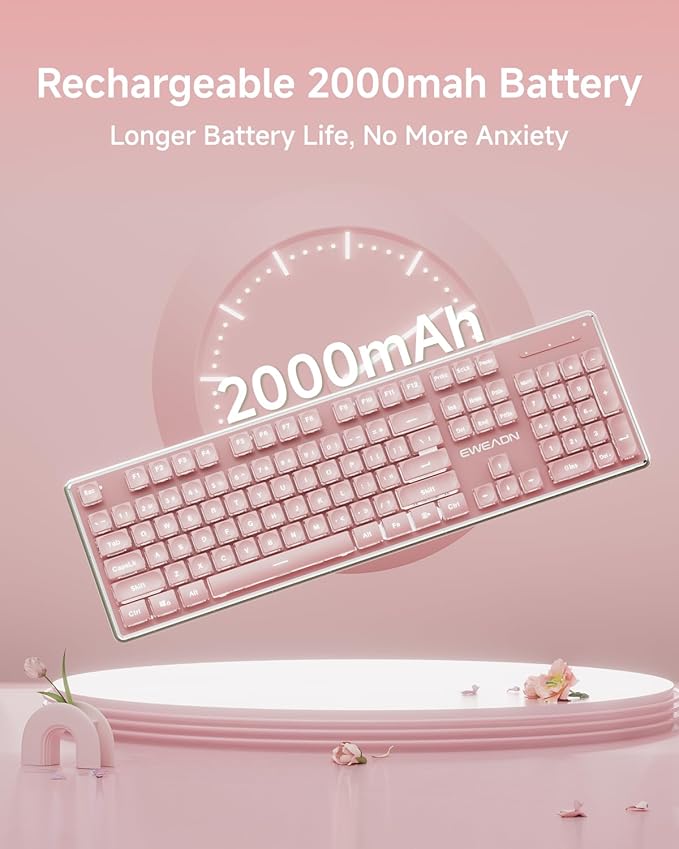
- Two Mode & Rechargeable: V3 cute keyboard and mouse wireless provide 2 mode, Bluetooth 5.0 & 2.4GHz, meeting your work, game and study needs. The wireless keyboard mouse combo share a USB receiver to achieve connection of up to 10 meters (33 feet). Press the FN+1/2/3 key combination to enter 2.4G/BT1/BT2 mode. With Type-C cable, you can use it to charge the wireless keyboard pink and you can type or play games uninterrupted while charging.
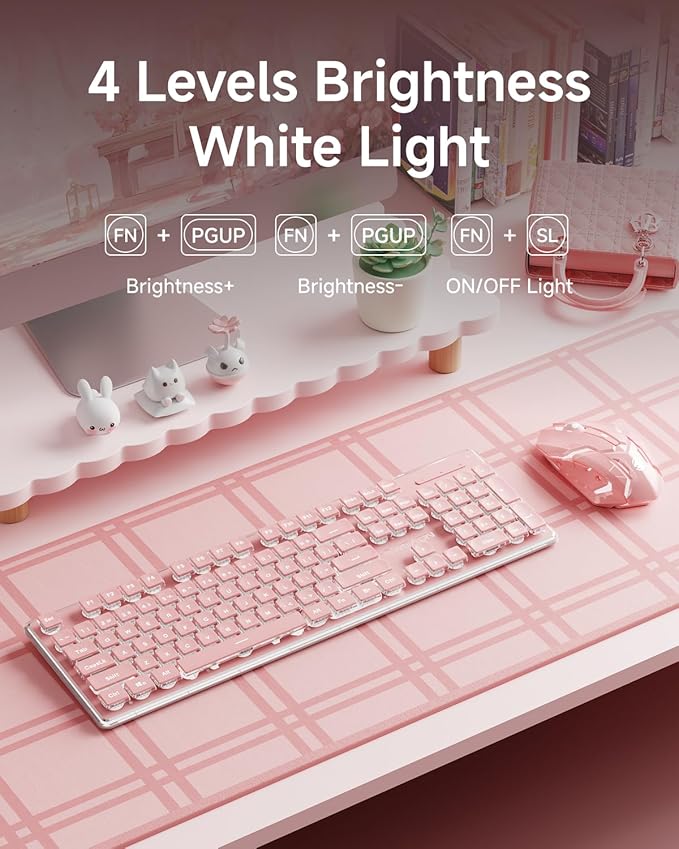
- Thickened Metal Panel & Single Backlight: Bluetooth keyboard and mouse uses thickened metal panel with frosted matte finish, which has upgraded touch and provides great anti-scratch protection, making it more durable. Wireless mouse and keyboard uses upgraded suspended water drop pudding keycap, which is silent and has great light transmittance. When the single warm backlight is turned on, the aesthetic keyboard and mouse will instantly shine. 5 adjustable brightness levels.
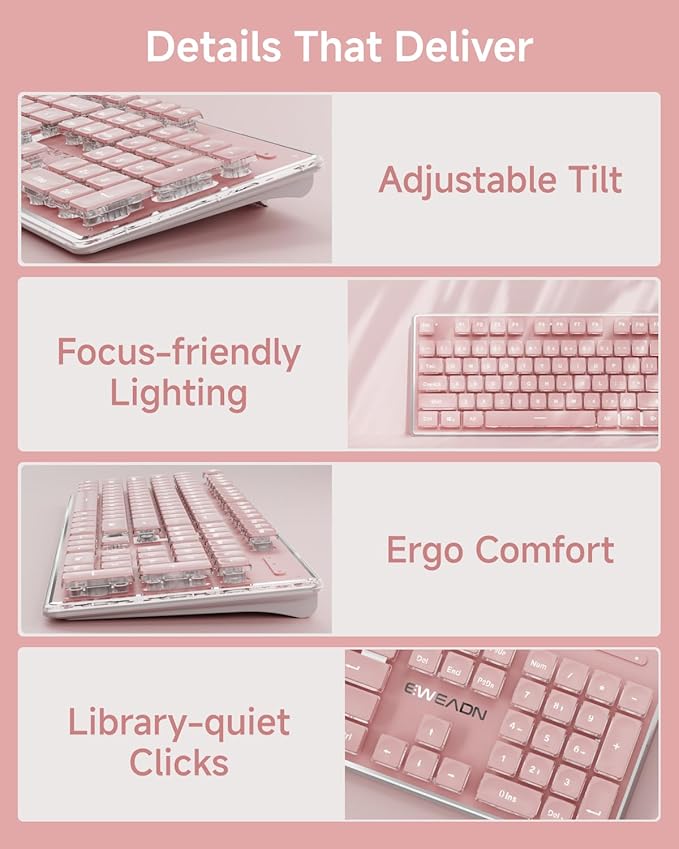
- Upgraded Water Drop Keycaps & Less Noise: Full size keyboard wireless uses upgraded suspended water drop keycaps with great light transmittance. The surface of the keycaps concave and convex design, which fits your fingertips well, typing or gaming more comfortable and easier. Also quieter, reducing typing noise by 95%. With wireless silent mouse, you no longer worry about noise disturbances in the library, cafe, office or dormitory.
- Ergonomic design & 26-key Anti-ghosting: Ergonomic keyboard wireless adopts concave & convex design keys to fit your fingers great, typing smoother without tiring. The bottom is equipped with two footrests and 4 anti-slip bottom stickers. After adjustment, the mouse and keyboard combo has a 7° tilt, making your typing feel more comfortable. 26 keys can be operated simultaneously without conflict, so you can experience fast answer when playing games or typing.
- Wireless Silent Mouse & Universal Compatibility: V3 pink keyboard comes with wireless silent mouse that supports type-c charging, so you can play while charging. The mouse has 3 levels sensitivity. This wireless mouse and keyboard combo works with your PC, desktop, laptop or notebook. Compatible with Windows, Linux, Chrome and Mac.
- Doing Responsibly and Sustainably: As a responsible company, we operates sustainably, to high environmental and social standards. We continue to embed sustainability ever deeper in the way we do business – in our own operations and beyond, together with our suppliers. The cute keyboard with number pad also comes with a 48-month brand support. Our expert team always stands by your side.
Overview
- Brand : SEUNKWANG
- Color : Pink
- Connectivity Technology : 2.4G & Bluetooth
- Special Feature : Backlit, Ergonomic, Hotkeys and Media Keys, Rechargeable, Spill Proof, WIN & MAC, 2.4G & Bluetooth, Wireless Backlit, Ergonomic, Hotkeys and Media Keys, Rechargeable, Spill Proof, WIN & MAC, 2.4G & Bluetooth, Wireless
- Compatible Devices : Laptop, PC, Gaming Console, Tablet, Smartphone
Share

Collections
-
Back to School & Study Essentials
Equip students and lifelong learners with stationery, planners, notebooks, and study accessories...
-
Cable Management & Tech Setup
Tame the cables — clips, sleeves, boxes, and organizers that keep cords...
-
Creative & Relax Zone
Balance work with creativity and calm — art supplies, DIY kits, puzzles,...
DeskDen Supplies – Your Everyday Office Essential
Whether you’re working from home, managing a busy office, or studying for success, DeskDen products deliver quality you can rely on.
-
Desk Essentials
Equip your desk with everyday tools — pens, notebooks, planners, folders, and...
-
Digital Accessories
Power your digital setup with keyboards, mice, cables, and chargers designed to...
-
Eco-Friendly Office
Work smarter and greener with recycled stationery, sustainable materials, and eco-conscious office...
-
Home Office Essentials
Create a comfortable, efficient home office with ergonomic accessories, organization tools, and...
Affordable essentials for work, school, or home office
From sturdy notebooks and smooth-glide pens to file organizers and desk accessories, every item is crafted to keep your desk neat and your workflow seamless.
Blog posts
View all-
Desk Organization Tips for a Clutter-Free Works...
Practical desk organization tips to help you maintain a clutter-free workspace, improving focus and workflow through intentional storage, layout planning, and smart tools.
Desk Organization Tips for a Clutter-Free Works...
Practical desk organization tips to help you maintain a clutter-free workspace, improving focus and workflow through intentional storage, layout planning, and smart tools.
-
How to Design a Productive Home Office Setup
A comprehensive guide to creating a productive home office, focusing on ergonomic layouts, organization strategies, and must-have desk accessories for enhanced focus and comfort.
How to Design a Productive Home Office Setup
A comprehensive guide to creating a productive home office, focusing on ergonomic layouts, organization strategies, and must-have desk accessories for enhanced focus and comfort.
-
Ergonomic Office Essentials: How to Design a He...
A detailed ergonomic guide explaining how to configure your desk and accessories for posture support, reduced strain, and sustained comfort—focusing on chairs, monitor placement, keyboard positioning, and supportive tools.
Ergonomic Office Essentials: How to Design a He...
A detailed ergonomic guide explaining how to configure your desk and accessories for posture support, reduced strain, and sustained comfort—focusing on chairs, monitor placement, keyboard positioning, and supportive tools.